
 EN
EN
 UK
UK
 RU
RU
 AR
AR
 BN
BN
 ZH
ZH
 DE
DE
 ES
ES
 FR
FR
 HI
HI
 ID
ID
 UR
UR
 PT
PT
 TR
TR
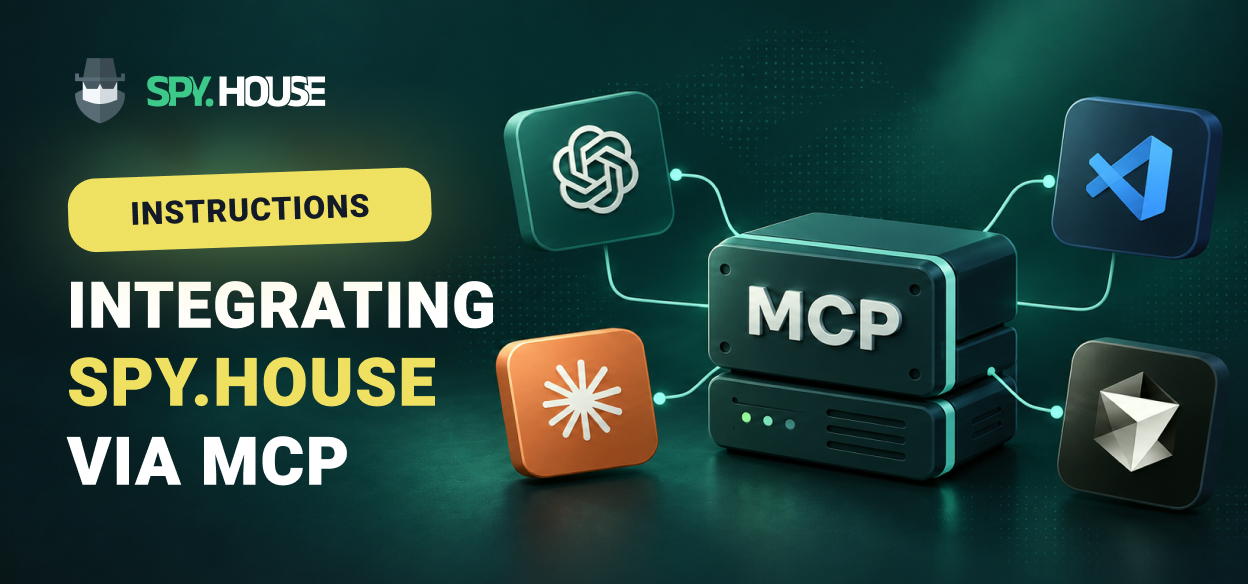
This guide covers setting up and using the integration between the Spy.House ad creative analytics service and AI clients or IDEs via the Model Context Protocol (MCP).
The material details the prerequisites for connecting (an active paid subscription and OAuth authorization without API keys), a 3-step setup process, and step-by-step instructions for specific applications: Claude (Desktop, Web, Code), Codex, Cursor, VS Code, and ChatGPT.
Important Information Before Connecting
Connector URL:
[https://spy.house/mcp]. This URL needs to be inserted into your MCP client.Requirements: An active paid subscription is required. Trial accounts cannot be connected.
Authorization: Performed via OAuth - your client opens a browser, and you log in with your Spy.House account. No API key is required.
3 Steps to Connect
Add the server: Point your MCP client to the connector URL - this is a single line of configuration or a command (see below).
Sign in with Spy.House: Your client will open a browser for OAuth authorization.
Ask your agent: Type a prompt, for example: "Find up to 12 Black Friday FB creatives for the USA". The agent will call the required tool and respond.
Client-Specific Setup
Note for CLI clients (Claude Code, Codex): After adding the server, you must restart the client, as an active session will not load it. Then log in: for Claude Code, use the
/mcpcommand; for Codex, usecodex mcp login spy-house(from the block below).
1. Claude
The Desktop and Web versions use the Client ID listed below. Claude Code uses a CLI command with its own Client ID.
Desktop / Web:
Go to Settings → Connectors → Add custom connector.
Paste the endpoint URL:
[https://spy.house/mcp].Click Connect & authorize.
Claude Code (CLI): Run the command:
claude mcp add --transport http --client-id spy-mcp-claude-code \
--callback-port 8787 spy-house https://spy.house/mcp
Client ID for Desktop/Web: spy-mcp-claude-desktop
2. Codex
Add the remote server with a single command, then log in:
codex mcp add spy-house --url https://spy.house/mcp \
--oauth-client-id spy-mcp-codex

codex mcp login spy-house
Client ID: spy-mcp-codex
3. Cursor
Run the command below or add the server to ~/.cursor/mcp.json or .cursor/mcp.json:
cursor --add-mcp '{"name":"spy-house","url":"https://spy.house/mcp","auth":{"CLIENT_ID":"spy-mcp-cursor","scopes":["mcp:search"]}}'
Client ID: spy-mcp-cursor
4. VS Code
Run the command below or add the server to your user mcp.json or workspace mcp.json:
code --add-mcp '{"name":"spy-house","type":"http","url":"https://spy.house/mcp","oauth":{"clientId":"spy-mcp-vscode"}}'
Client ID: spy-mcp-vscode
5. Claude Web
Open Claude → Customize → Connectors → Add custom connector.
Enter: Name —
Spy.House, URL —[https://spy.house/mcp].In Advanced OAuth settings, specify Client ID:
spy-mcp-claude-desktop; leave Client Secret empty.Click Add / Connect.
6. ChatGPT
In ChatGPT web, enable Settings → Security and login → Developer mode.
Add a remote MCP app in Plugins: URL
[https://spy.house/mcp], Client IDspy-mcp-chatgpt, Streamable HTTP, no Client Secret.Click Connect / Authenticate, log in to Spy.House, and confirm access. No API key or Client Secret is required.
Run this query:
Find up to 12 Black Friday FB creatives for the US.
Verification by Request
After connecting, run these requests in your client. The expected results serve as a checklist rather than a live search test.
search_creativesTest prompt: Find up to 12 Black Friday Facebook ad creatives for the US.
Expected result: Up to 12 creatives, including data and remaining search quota. One network per call:
push,inpage,facebook,tiktok, ornative. Each non-empty search consumes one quota unit.
get_filter_optionsTest prompt: List the available Facebook search filters.
Expected result: Facebook filter catalog excluding adult content (non-adult) and exact values for
search_creatives. Adult filters are hidden.
get_creative_mediaTest prompt: Show me the images of the creatives you just found.
Expected result: Media for up to three
creative_refitems from this search. Search quota is not deducted. Full video is not returned, and the chat may not display an inline preview.
render_creatives_galleryTest prompt: Show these creatives as a gallery.
Expected result: Embedded gallery of 1-12
creative_refitems from the same search in clients supporting MCP Apps. Other clients skip this tool and use text orget_creative_media.
Frequently Asked Questions (FAQ)
How do I disconnect Spy.House from an AI client?
Remove or disable the Spy.House server in your AI client. Access also terminates automatically when your paid subscription expires. Trial accounts cannot connect.
How do I contact support?
Email: [email protected]
Telegram: https://telegram.me/Spy_House
Support Hours: Mon–Fri, 10:00–18:00 (UTC+3)
In case of an error, please provide: AI client name, timestamp, error text, and a screenshot.
Spy.House integration via the MCP protocol transforms popular AI assistants and development environments into an effective competitive intelligence tool. Thanks to seamless OAuth authorization and a single connector, users can search for ad creatives, analyze available filters, and view media files directly from their preferred client interface, streamlining the workflow into simple natural language requests.



Comments 0