
 EN
EN
 UK
UK
 RU
RU
 AR
AR
 BN
BN
 ZH
ZH
 DE
DE
 ES
ES
 FR
FR
 HI
HI
 ID
ID
 UR
UR
 PT
PT
 TR
TR
Buying an account today is easier than registering one: a few clicks, and you have a ready-made Telegram, Gmail, or Discord in your hands. But it is at this stage that beginners lose the most money. The account gets banned in the first hour, the format does not fit the software, and no one will provide a replacement anymore. Almost always, the reason is not a "bad seller," but typical buyer mistakes.
Below are ten mistakes most commonly found among those who start working with multiple accounts: in SMM, advertising, testing, or e-commerce. Along with each is what to do instead.
Mistake 1. Choosing an account solely by price
The most frequent beginner's logic: "I will take the cheaper one, and if anything, I will buy more." The problem is that fundamentally different goods are sold under the same name. A fresh auto-registered account created by a program an hour ago and a manually registered account with six months of aging can be named identically in the listing — "Telegram account." The price difference between them is dozens of times, and the difference in survivability is even greater.
A cheap account is justified when you need volume and losing a part of the batch is factored into the budget: mass mailings within your own communities, tests, registrations in services. For long-term work, an advertising account, or a personal brand, saving at the start usually turns into repeat purchases. First, decide what task the account is for, and only then compare prices — within the same type.
Mistake 2. Buying from the first store you find
The account market is fragmented: each store has its own categorization, its own naming conventions, and its own markup. The exact same type of account in neighboring stores can easily differ in price by two to three times, and the "best deal" often turns out to be out of stock upon checking.
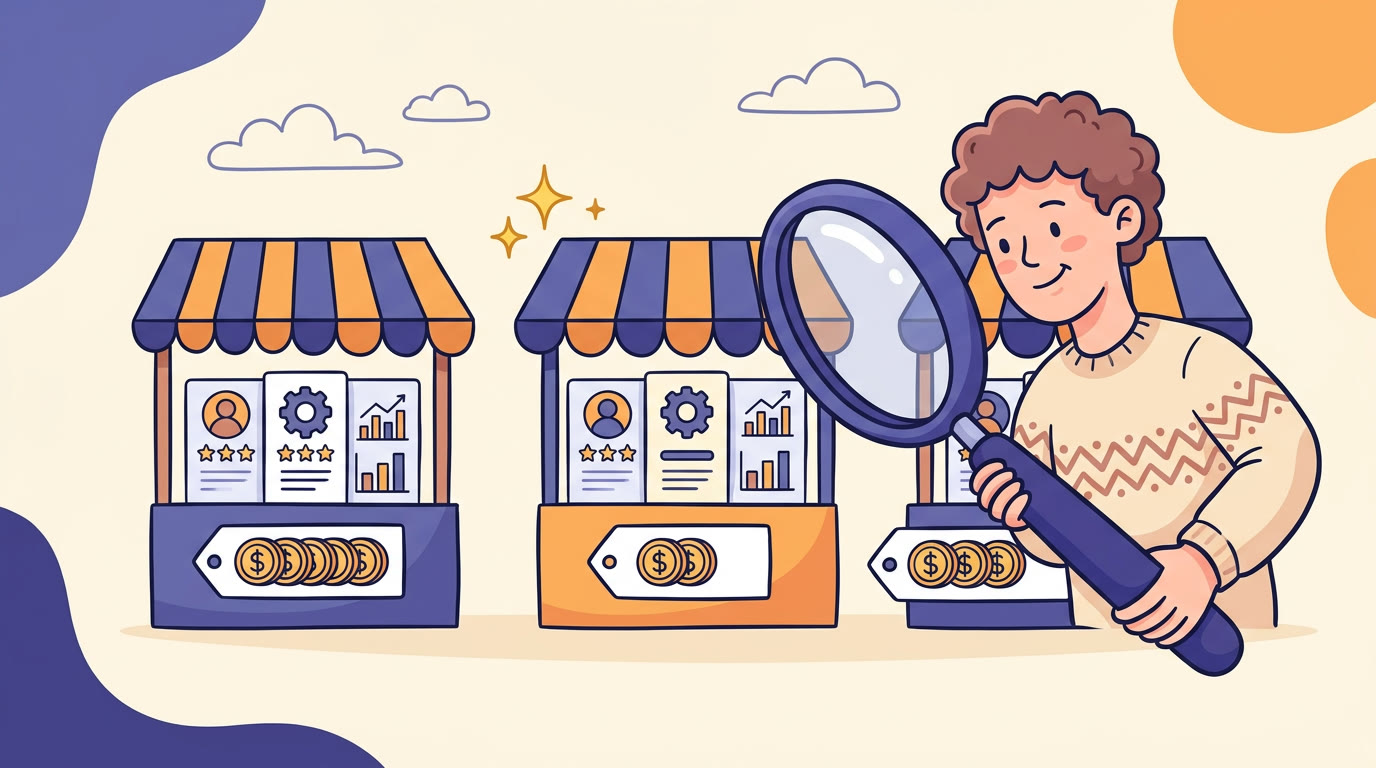
Comparing manually means a dozen tabs and half an hour of your time. It is easier to use aggregators that gather offers from verified stores in one place, allowing you to easily sort by price and availability. For example, the Accsly.io catalog collects offers from verified stores in one place — currently, that is over 35,000 in-stock items across 80+ platforms. Products are organized into unified categories, the price, stock balance, and store are visible in the card, and sorting by price immediately shows where it is cheaper. The aggregator itself does not sell anything: the purchase takes place on the website of the selected seller, so you read the warranty conditions at the primary source.
Mistake 3. Confusing delivery formats
An account is not always a "login + password" pair. Depending on the platform, sellers provide:
- login and password (sometimes with access to the linked email) — a classic for email services and gaming platforms;
- tdata — a Telegram Desktop session folder that just needs to be placed into the client;
- session + JSON — a session file for software working via the Telegram API;
- cookies or token — for logging in via a browser without a password, this is how Discord and Twitch are often sold;
- number + code — login via SMS, when the number is still alive with the seller for a limited time.
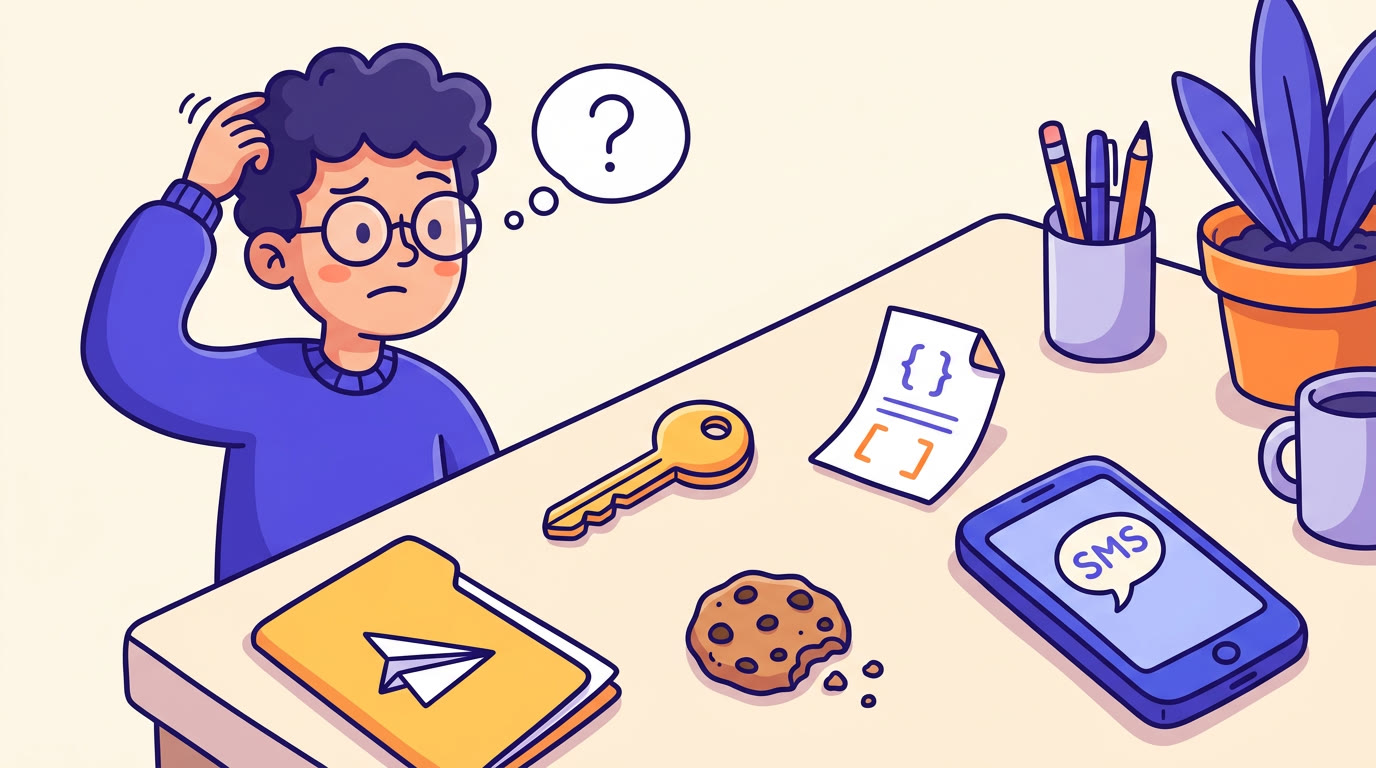
A beginner takes tdata, but their software only supports session, and as a result, they convert the files with third-party utilities, risking breaking the session. Or they buy an account "by token" and discover that the password cannot be changed: there is no access to the email. Before buying, check what format your tool requires, and choose the section purposefully. On that same Accsly, Telegram, for example, has a separate Tdata / session category so you do not have to hunt for the format in the descriptions.
Mistake 4. Logging into the account from your home IP
Platforms evaluate not only the account itself but also the environment from which it is accessed. If an account is registered, say, with a Dutch IP, and five minutes after purchase it is logged into from a Russian internet provider, for the anti-fraud system, this is a classic sign of hijacking. It is even worse when ten accounts are logged into consecutively from a single home IP: the platform links them together, and the ban of one pulls the whole chain with it.
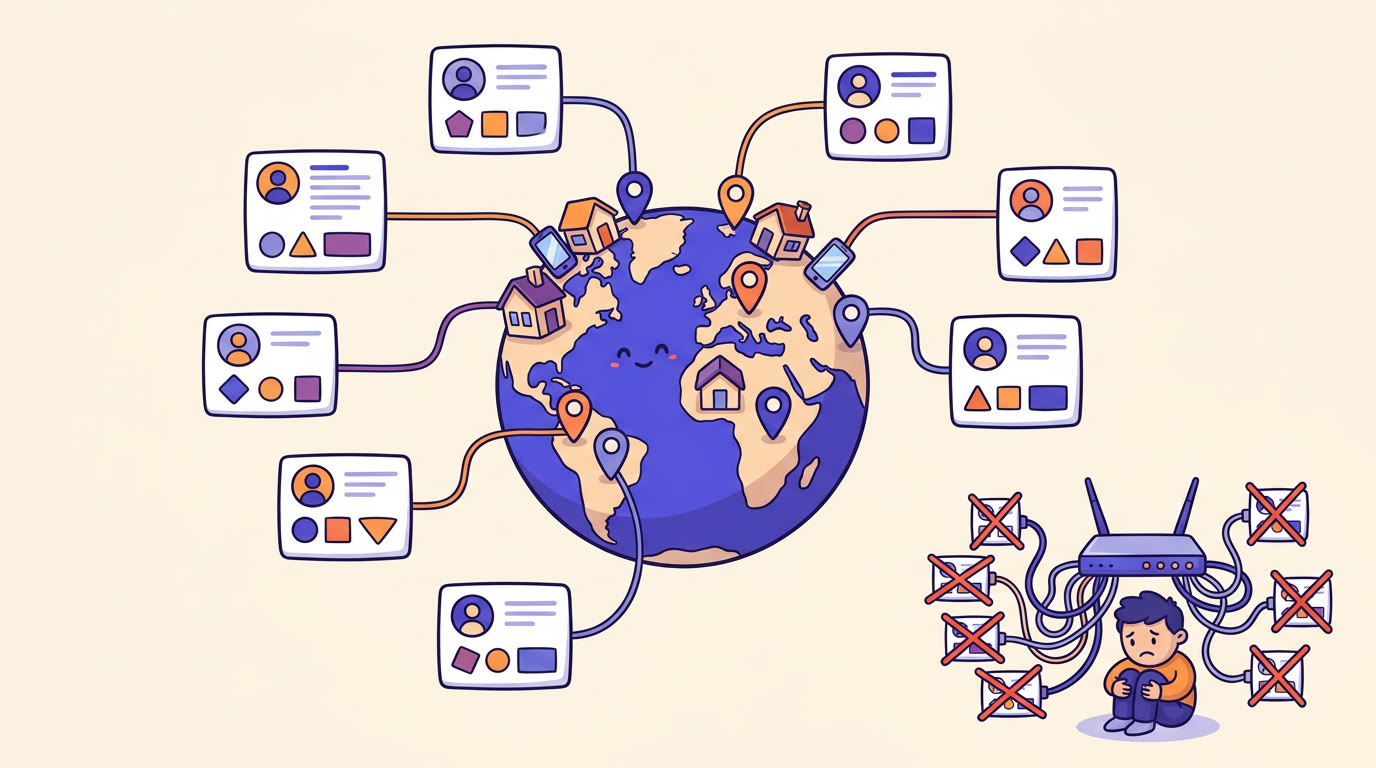
The basic rule of multi-accounting is: one account — one stable IP, preferably matching the country of registration. The neater the setup, the longer the account lives.
Mistake 5. Skimping on proxies or taking "random" ones
The flip side of the same problem is unsuitable proxies. Free and public addresses have long been on blacklists: an account accessing through them gets hit with a verification check right at login. Cheap server (datacenter) proxies are suitable for parsing and technical tasks, but social networks and messengers treat them with suspicion.
What to consider when choosing:
- Type: For social networks and messengers, mobile and residential proxies are more reliable — their IPs belong to real operators and home providers.
- Geo: The country of the proxy should match the country of the account, or at least not contradict it.
- Stability: For long-term work, you need a static IP or rotation upon command, rather than an address change every few minutes in the middle of a session.
- Individuality: Shared proxies for ten people mean someone else's bans on your address.
Good proxies cost more, but they are cheaper than buying a new batch of accounts from scratch every time.
Mistake 6. Putting the account to work on the very first day
You bought it — and immediately launched a mailing, mass following, or changed all profile data. To the platform, this looks like a sharp spike in activity for a "sleeping" account, and restrictions are not long in coming.

Even ready-made accounts need a short warm-up: a few days of calm behavior that mimics a real user. Log in, scroll through the feed, subscribe to a couple of channels, fill out the profile gradually, not all in a minute. Increase the workload smoothly. Farmed accounts, which the seller has already warmed up, tolerate the start more easily, but even they should not be pushed to the maximum right away.
Mistake 7. Overestimating account age
The opposite extreme: "I will take an older account — and there will be no problems." Account age (aging) does indeed reduce risk, but only together with the right environment. A two-year-old account logged into from a "dirty" IP and immediately used aggressively will fly into a ban just as fast as yesterday's auto-reg.
Account age is a line of credit for trust, not immunity. It is justified when the task is long-term and sensitive to restrictions, for example, when working with advertising accounts. For short-term tasks, overpaying for aging often does not pay off. More details on when account age actually helps can be found in specific breakdowns.
Mistake 8. Not reading replacement terms before buying
Most sellers have a validity guarantee, but it operates under strict rules.
Typical conditions:
- the check must occur within a short window — from 15 minutes to 24 hours after purchase;
- the replacement only covers invalidity upon the first login, but not a ban after work has started;
- changing the password or email before checking may void the guarantee;
- evidence is needed for a claim — a screenshot or video of the login.
If you bought a batch on Friday evening and checked it on Monday, there will be no replacement, even if the accounts were non-functional from the start. You should read the terms before paying and immediately schedule time for checking.
Mistake 9. Buying a large volume at once from a new seller
Even at a reliable store, the quality of different batches can vary. Make your first purchase from a new seller a test one: take 3–5 accounts, check the login, format, age, and behavior under load before scaling. If everything is fine, scale up. If not, you have only lost the cost of a few items, not your entire budget.
The same principle is useful when comparing: buy a couple of accounts of the same type from two sellers and see which ones live longer under your conditions. It is convenient when offers from different stores are already gathered together, and you can see who currently has the required volume.
Mistake 10. Storing access details in notes and not securing accounts
When there are more than ten accounts, chaos in access details turns into a separate source of losses. Passwords in saved messages, tdata files mixed up in downloads, not a single linked backup email.
Minimal hygiene:
- maintain a spreadsheet or a password manager: login, password, email, proxy, date of purchase, seller;
- enable two-factor authentication where it does not contradict the task;
- for browser-based accounts, use separate profiles (an anti-detect browser or at least different profiles with different proxies);
- store session files in separate folders and make backups.
This way you will not mix up proxies between accounts and will be able to quickly understand which seller and which setup works best.
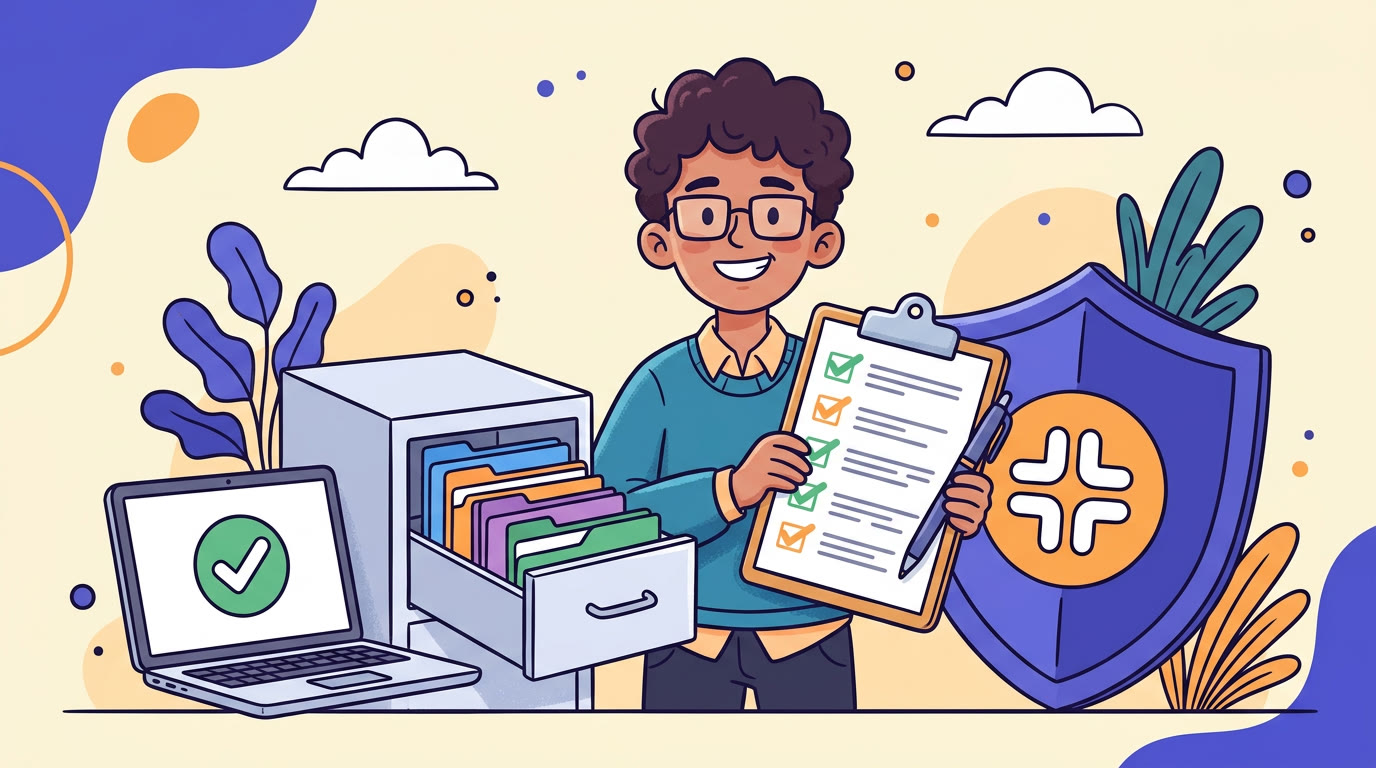
Short checklist before buying
- Define the task: volume or long-term work.
- Choose the account type (auto-reg, farmed, manual registration, aged) and the delivery format for your software.
- Compare prices for this type across several sellers, not just in the first store.
- Read the replacement terms and checking time.
- Prepare proxies of the required geo and type — before the purchase, not after.
- Start with a test batch, warm up the accounts gradually.
- Record access details and "account — proxy — profile" setups.
Conclusion
Most losses when working with accounts occur not because of "bad goods," but because of rushing: wrong format, wrong IP, too abrupt a start, missed replacement window. A setup of a suitable account, a high-quality proxy, and a careful warm-up works noticeably longer than any "premium" account launched in a hurry.
The easiest way to start is with the choice: go to accsly.io, open the needed platform, compare offers of the same type from different sellers — and spend the saved money on what really prolongs the life of the accounts.





Comments 0